The Most Advanced
AI Editor
Raw footage in, a finished edit out. Made on your own computer, in your style.
This video did not load here. Watch it on mdgeditor.com
Includes a 1:1 onboarding. Already have access? Log in
Raw footage in.
A finished edit out.


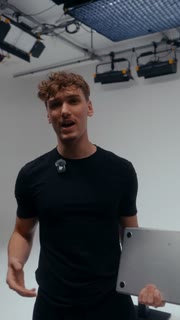
Content on autopilot.
At the S-tier level.
Edit on autopilot
Drop in raw footage. Get a finished, professional edit back.
Reels on autopilot
Turn one long video into short-form clips, ready to post.
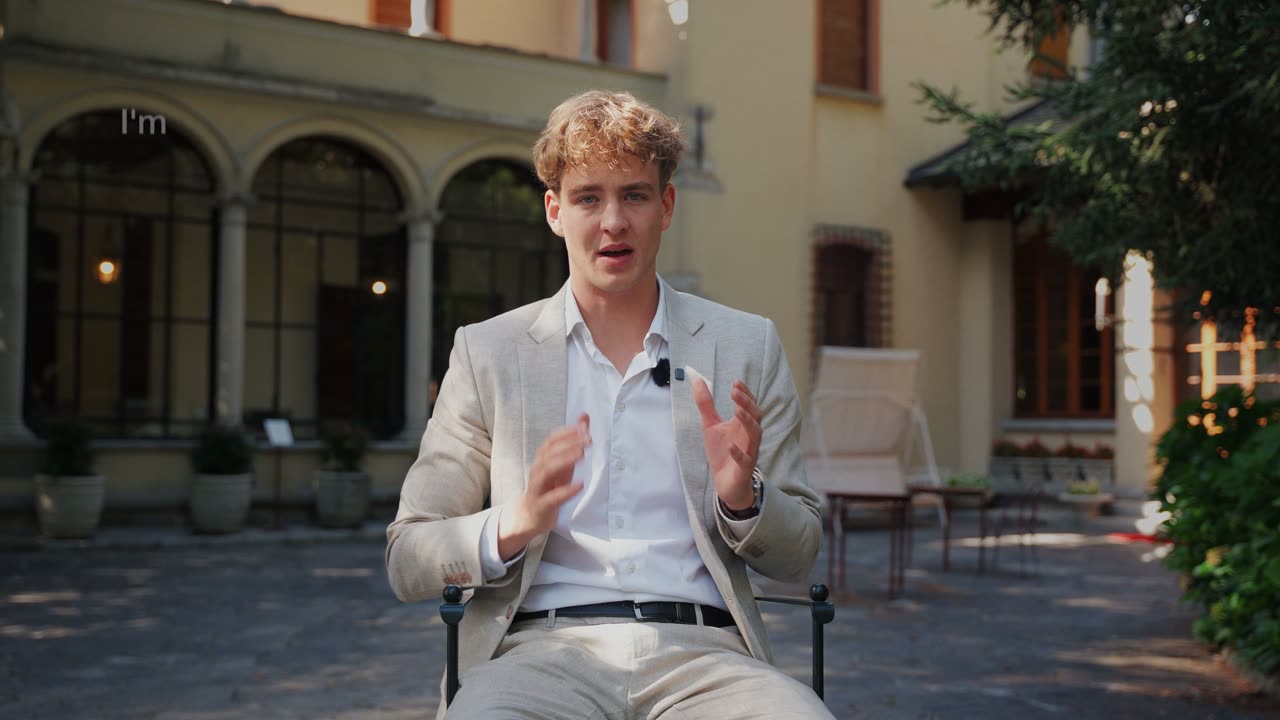
Raw to short-form
The hook, the 9:16 frame and the captions, done for you.
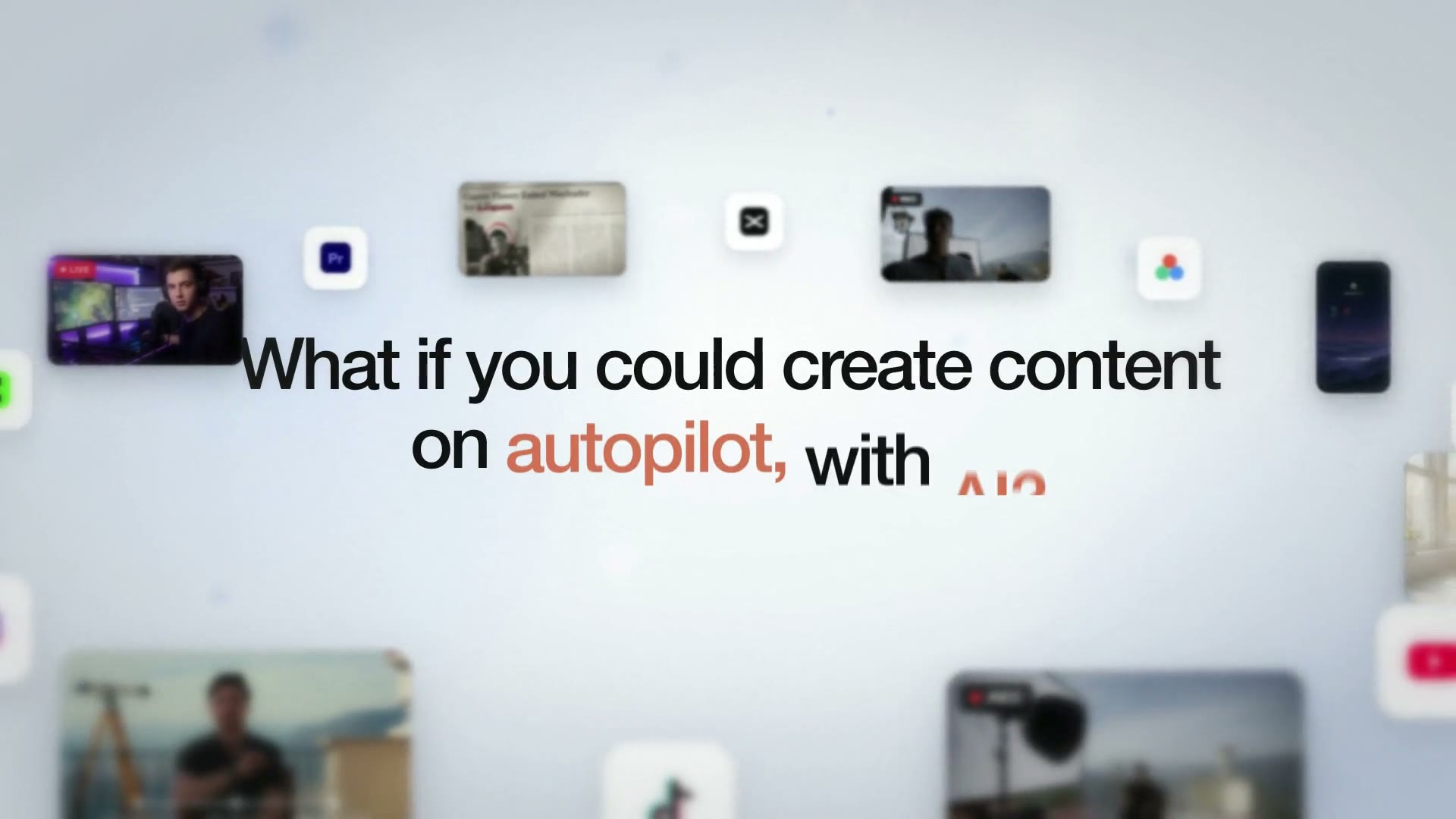
Pro motion graphics
Graphics designed for every line, like a top motion designer.
Sound and music
Sound effects and music placed to every move on screen.
Systemise your output
One workflow for every video. The same quality and style, every week.
Your footage is edited on your machine, never uploaded to us.
Saved once, used on every video.
We install it with you and get your first edit out.
One payment, every future update included.
Real projects.
Made with AI.
SaaS videos, VSLs, reels and ads. Click any video to watch it with sound.
Get MDG Editor.
- Edits long-form: VSLs, YouTube videos, podcasts
- Cuts reels and short-form from the videos you already have
- Motion graphics, sound effects and music
- Edits in your style
- 1:1 onboarding call
- All future updates
- We build your styles and set up everything for you
- We onboard and train your team
Runs in Claude Code. Needs a paid Claude plan, billed separately by Anthropic.
Want to see how it would work for you?
Answer five quick questions and pick a time on your kind of footage.
Everything you get.
The AI Editor and everything around it, behind one login.
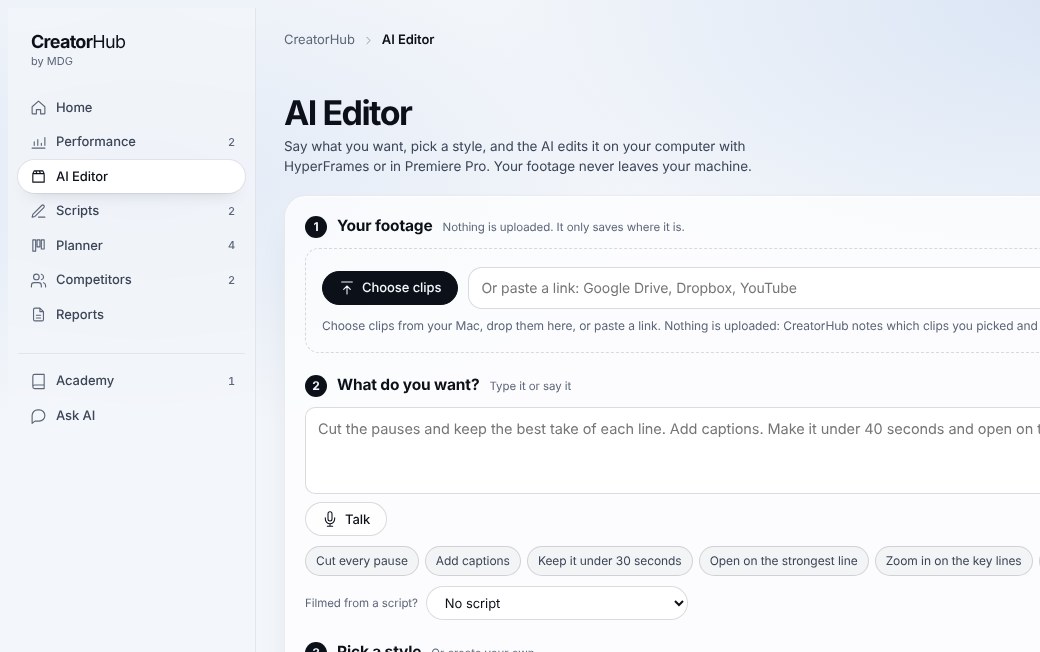
Choose your clips or paste a link, say what you want, pick a style. The edit runs on your own computer.
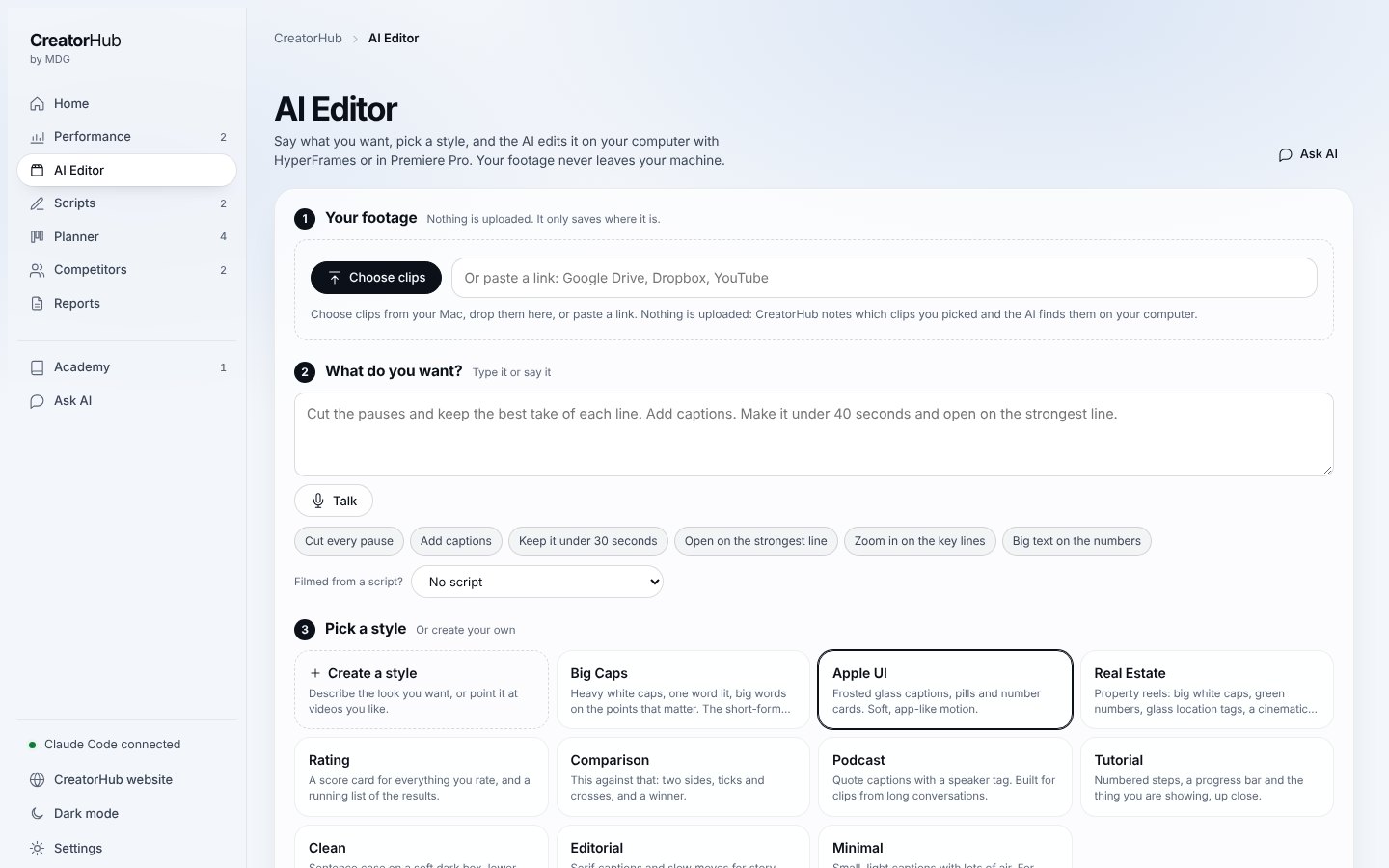
The AI Editor
Raw footage in, a finished edit out, made on your own computer with HyperFrames or in Premiere Pro.
Pre-built styles
Ten ready looks, from Big Caps to Apple UI, Real Estate and Podcast. Or describe your own once and every edit follows it.
The Academy
22 short lessons, from your first login to a finished video.
Ask AI
Questions about your footage, grading, LUTs or the app, answered on the spot.
Performance and reports
Your Instagram numbers, what is working, and a report you can save as a PDF.
1:1 onboarding
We install it with you and get your first edit out together.
Questions,
answered.
Something else on your mind?
What does the onboarding look like?
Right after you pay, you book your 1:1 call. On the call we install MDG Editor on your computer with you, connect it to your editing app and make your first edit together, so you leave with a finished video and a setup ready for the next one.
How much does it cost to run?
MDG Editor is one payment of €997, with lifetime access. There are no credits and no monthly fee from us. It runs inside Claude, and the $20 a month Claude Pro plan is enough to run it. If you edit several videos every day, a bigger Claude plan gives you more room.
Do I need to know how to edit?
No. You tell it what you want in plain words, the way you would brief an editor, and it does the edit. If you do edit, every cut is a real clip on your timeline, so you can change anything by hand.
What do I need to run it?
A Mac or a Windows computer, Claude Code (free to install) and a paid Claude plan. It works with Premiere Pro, DaVinci Resolve, Final Cut Pro and CapCut, or with no editing app at all. We set it all up with you on the onboarding call.
Can it edit in my style?
Yes. Your style (fonts, colours, captions and the way you like your cuts) is saved once and used on every video.
How do I log in?
Open your invite link once and you are in. After that, Log in on this page takes you back to your workspace in the same browser.